
Planned in Claude.ai + Obsidian, built with Claude Code
SplootReceipt
A personal inbox for receipts scattered across email, photos, and paper.
I had a stack of receipts from the coffee cart business and the household, and they all needed to go into an expense report.
Some were in Gmail. Some were in my photo roll. A few were paper, sitting on my desk. The job, every time, was the same: find each one, snapshot or screenshot it, open the third-party expense app, paste the image, type out the merchant, the amount, the category, the description.
Then do it again next month.
There are a lot of receipt apps that already exist and promise to fix this. They worked the way you'd expect them to work. Point a camera at a receipt, OCR pulls out the data, and it goes into the app.
But I already had the receipts. They were already captured. Amazon emails them to you. Costco prints them. The Sam's Club one ends up as a phone photo because the paper one always gets lost. Misplaced, mixed in with the old ones, or thrown out by accident.
The problem wasn't capture. It was that the receipts were in three different places, and the app I needed to feed them into was a fourth.
Consolidation, not capture.
I ran one test before writing any code. Forwarded a few Amazon receipts to a Gmail label called splootreceipt-test, then asked my wife to forward one too. She forwarded one.
Honestly? That wasn't really proof, and I knew it.
One forwarded email, when asked, isn't proof anyone wants the product.
It's proof that one person did one thing once. But I wanted to build and learn something, and that was enough to start.
So I built it.
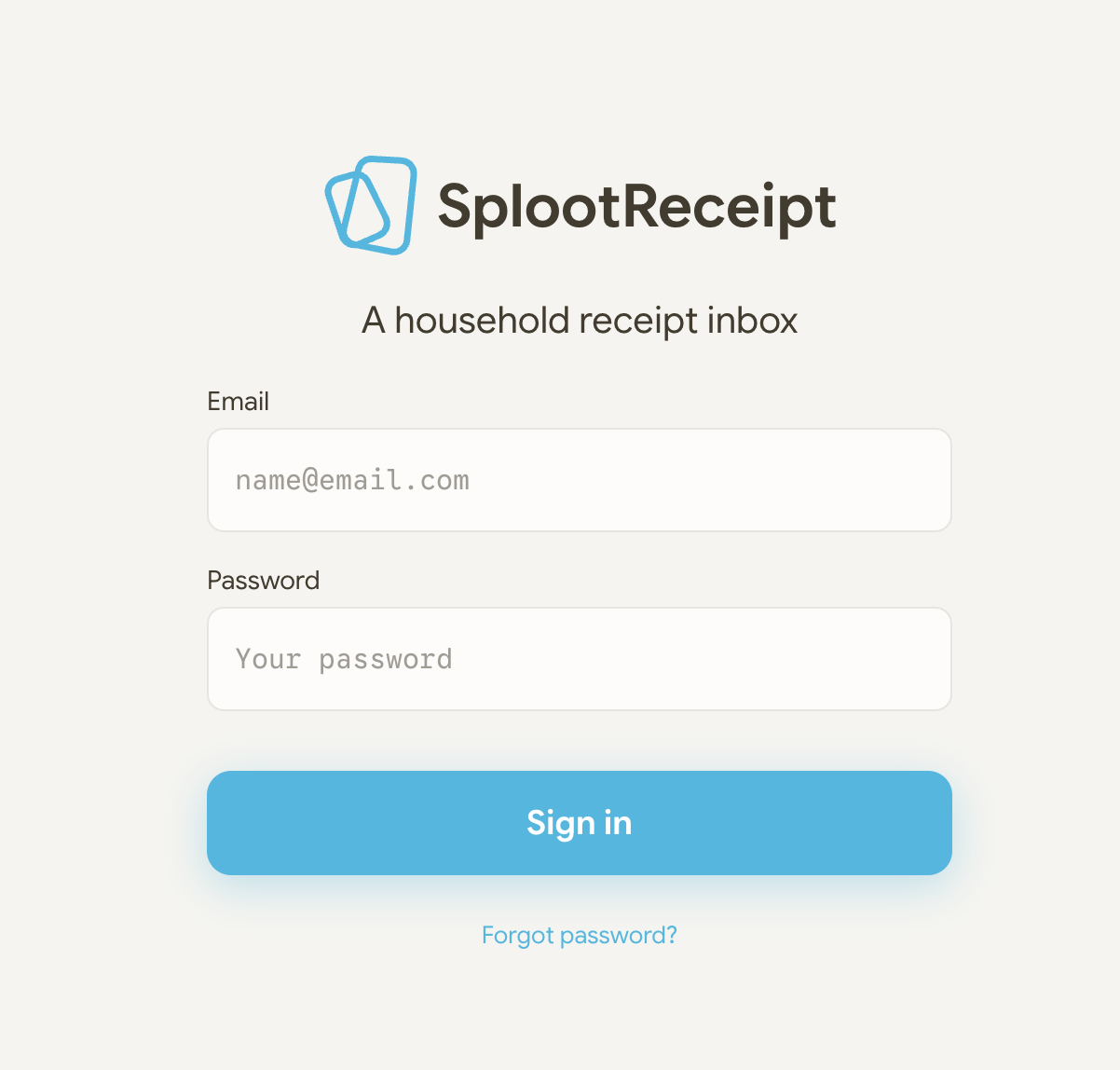
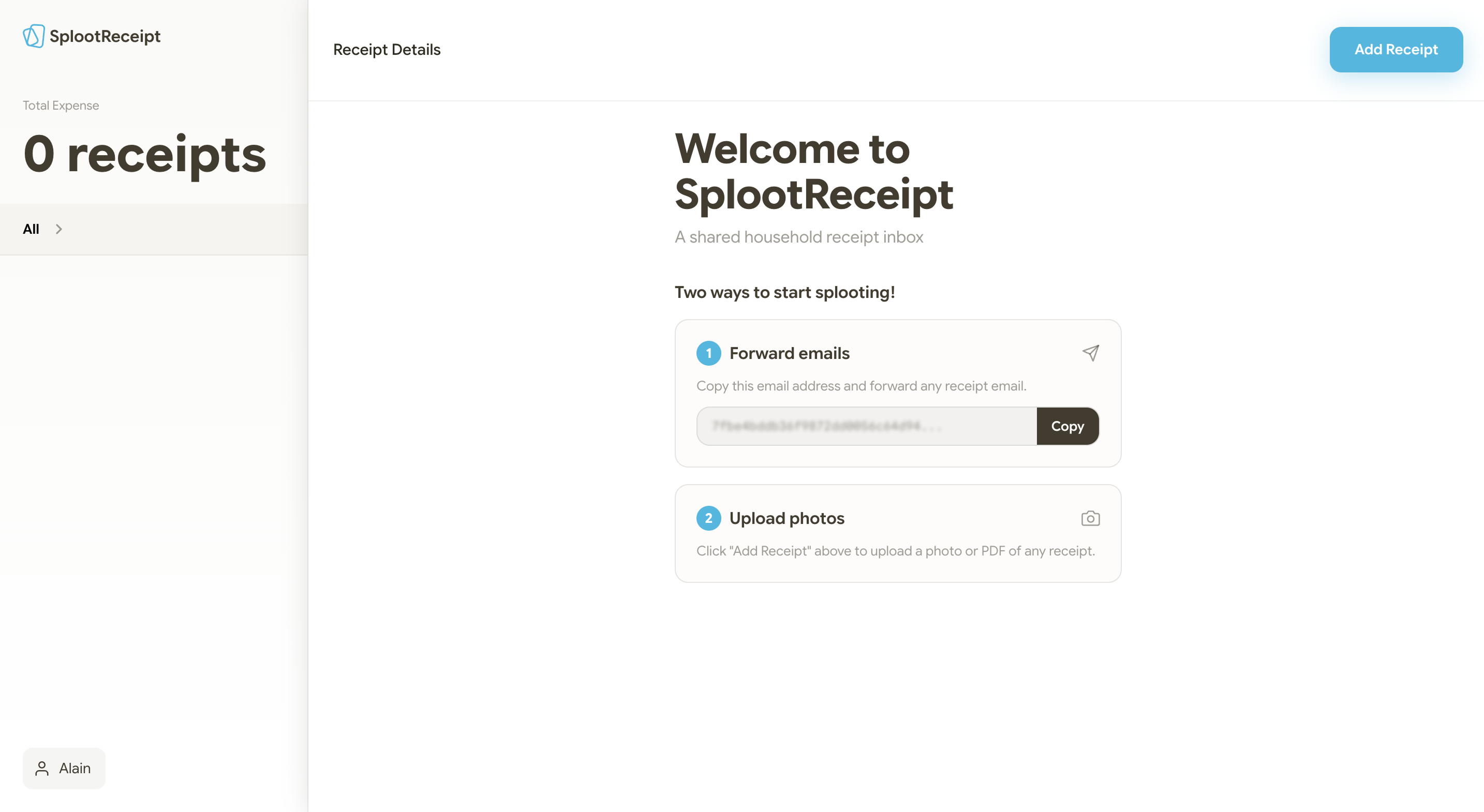
Three weeks, give or take. Next.js for the frontend, Supabase for the database and auth, Postmark for inbound email: forward an email to a unique address, get a webhook with the parsed contents. PWA configuration so it installs on the iPhone home screen and behaves like a native app. No App Store dance.
The original concept had an export screen. ZIP file with all the receipt images, CSV of merchants and amounts, ready to paste into the third-party app. That was the headline feature for the brief in my head. The moment that paid the whole product off. The thing I was most excited about.
I cut it on day one.
The reasoning was simple. Export could wait. The core of the product is consolidation: get the receipts in one place. If that part works, you can always export later. If that part doesn't work, export doesn't matter. Building both at once would have stretched the build to six weeks instead of three, and I would have shipped a product where the easy part was polished and the hard part was rushed.
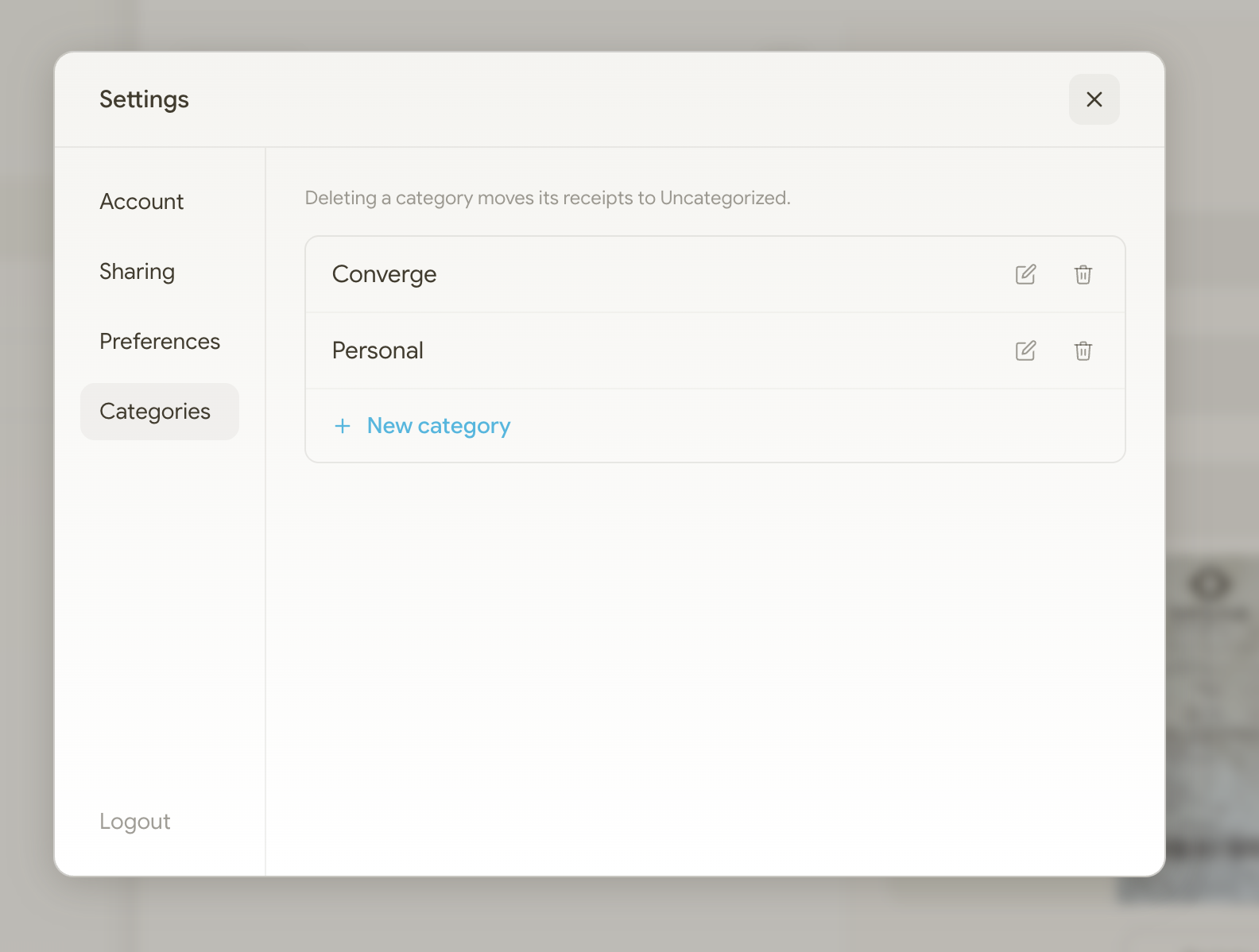
Once export was cut, what else was there to build? Shared login instead of multi-user accounts. For two people solving a household problem, separate accounts with invite flows would have added two weeks for no good reason. Custom categories backed by a database table, so the app wasn't shipping with my categories baked into the code. A floating action button for adding a receipt instead of a bottom tab bar, because iOS Safari already owns the bottom of the screen. Teal as the only accent color. No animations in v1. Motion is its own scope, and this build had to ship.
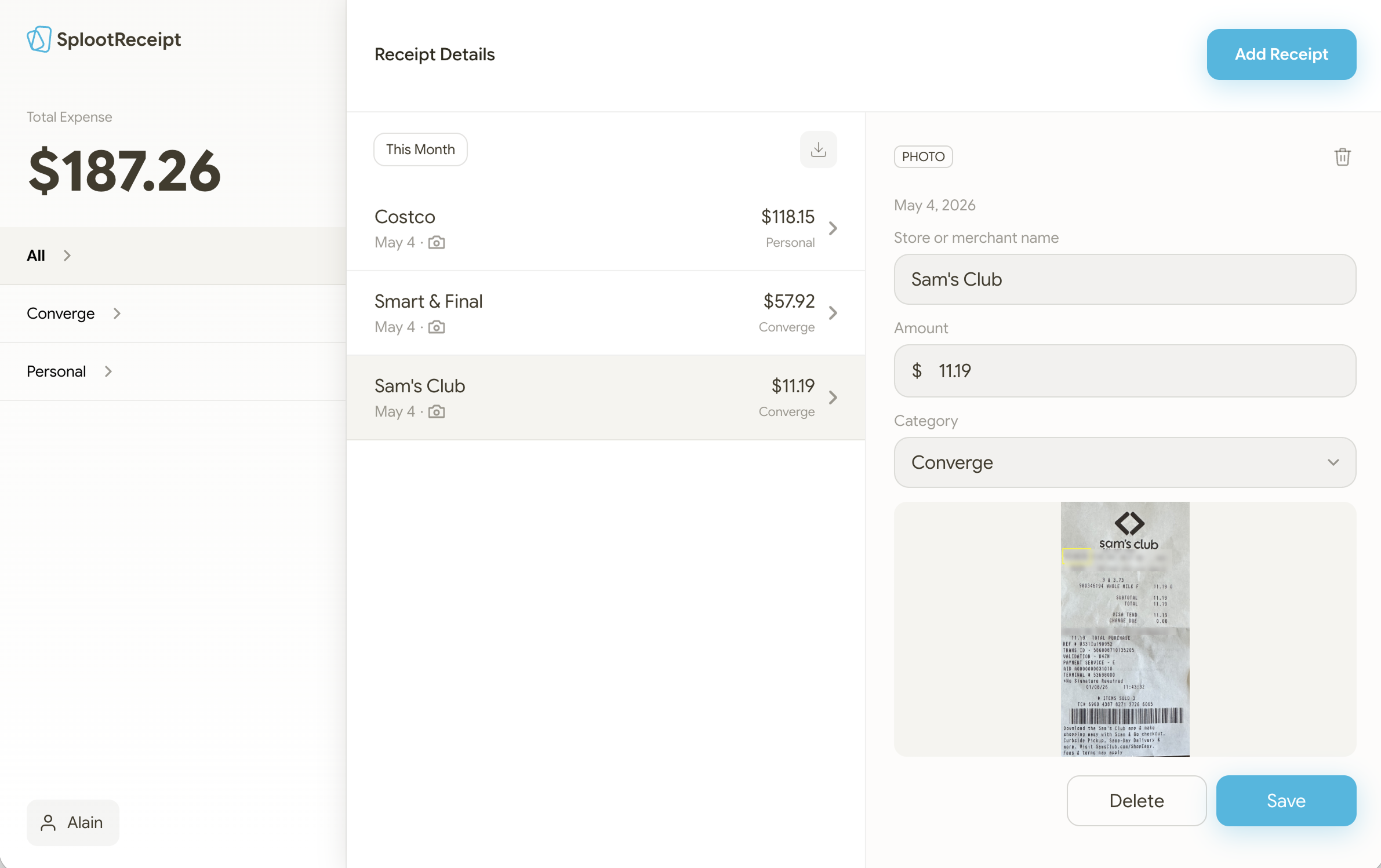
I ended up with a working PWA. Login, inbox, add receipt, forward emails, view detail, edit, delete, custom categories, settings, password reset. All the boring plumbing that a useful app needs to have.
And then we stopped using it.
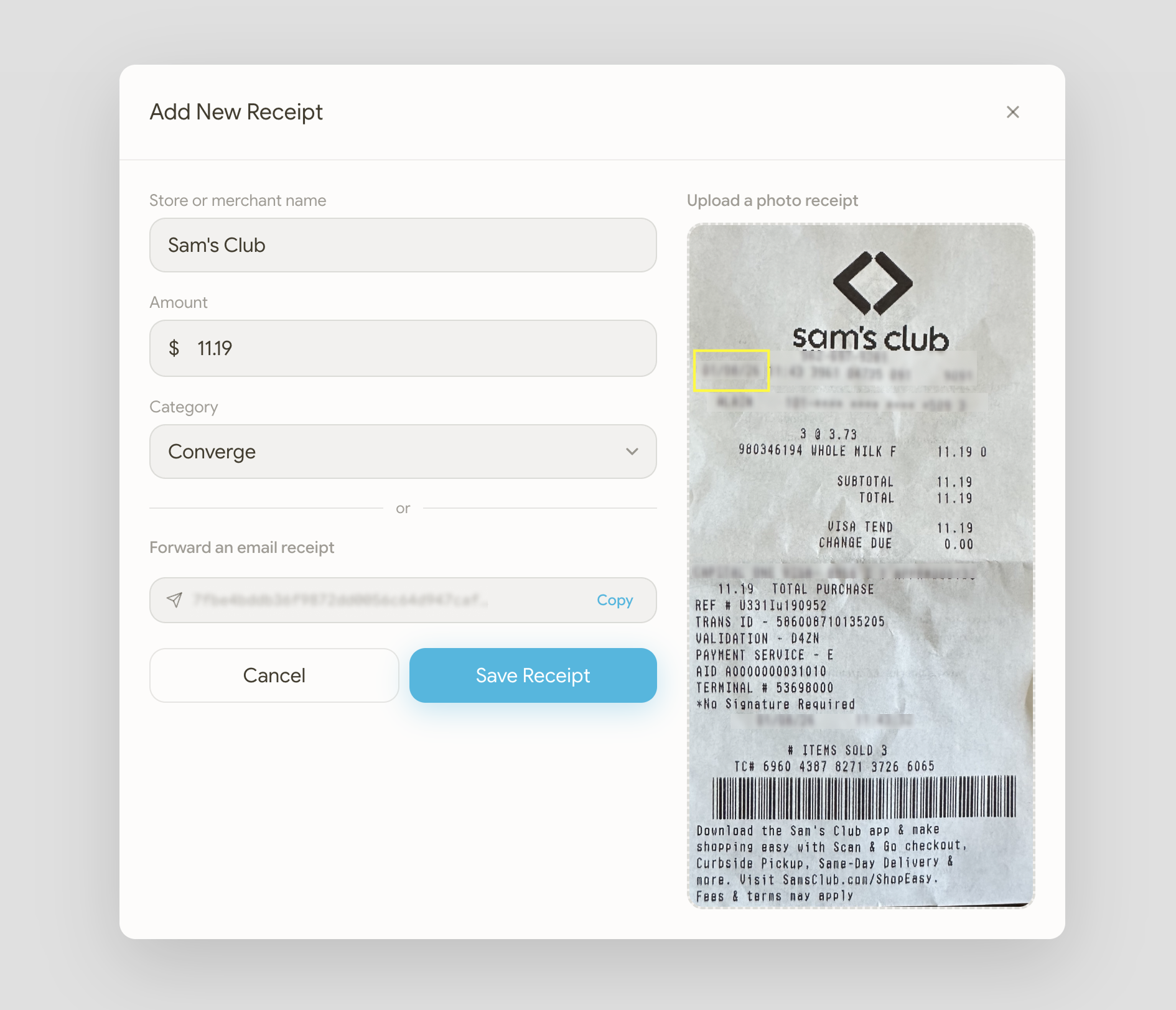
We launched. We forwarded a few receipts. The manual entry defeated the whole point. Typing the merchant, the amount, the description, every single time. The product was supposed to reduce friction. We didn't have OCR pulling out the merchant and amount. We didn't have AI tagging the category. We'd built a different inbox. The receipts were in one place now. They still needed to be processed by hand to be useful.
So the product shipped half-built. The finished part works fine. The missing part is what would have kept us using it.
What this build taught me wasn't about the code. It was about what the code was trying to solve. Receipts in three places isn't a filing problem. It's a tracking problem. Every receipt asks: where is this, what was it for, which expense report does it belong to? Consolidation puts them in one place. But the questions don't go away until something else is answering them for you.
The OCR and AI piece I haven't built yet isn't a feature on a roadmap. It's the magic. The thing that turns a working tool into something delightful. The difference between an inbox that solves the problem and one you actually want to open.
This build forced me to tell myself the truth. The validation moment isn't proof. It's an excuse to start. Mostly it meant admitting the test wasn't really proof. Cutting export on day one because consolidation was the actual core. Calling it half-shipped when we stopped using it.
The validation you have is rarely the validation you wish you had. The scope that ships is rarely the scope that excited you. You have to tell yourself the truth, at each stage, before the build does it for you.
The saga continues…